
Quick answer: MacMason/Lithgeek runs adult and senior tech classes — group workshops plus one-on-one personal training — covering Mac and Windows basics, internet safety and scam awareness, productivity apps and creative software. Classes are based at 85 Main Street, Lithgow NSW 2790 (Mon–Wed 10am–5pm, Thu 10am–9pm, Fri 10am–4pm), with in-home personal training also available. See the class list below or book a personal training session.
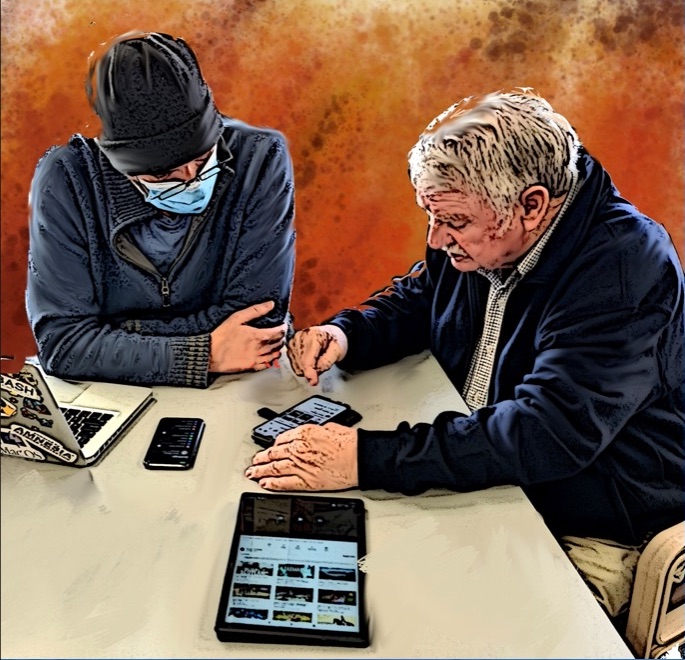
Senior Tech classes are custom-designed for the tech level of the students. We try to find the fine line between being informative and entertaining. Our group classes are interactive and have been known to include tasty treats and sneaky tricks to make your tech life easier and more fun.
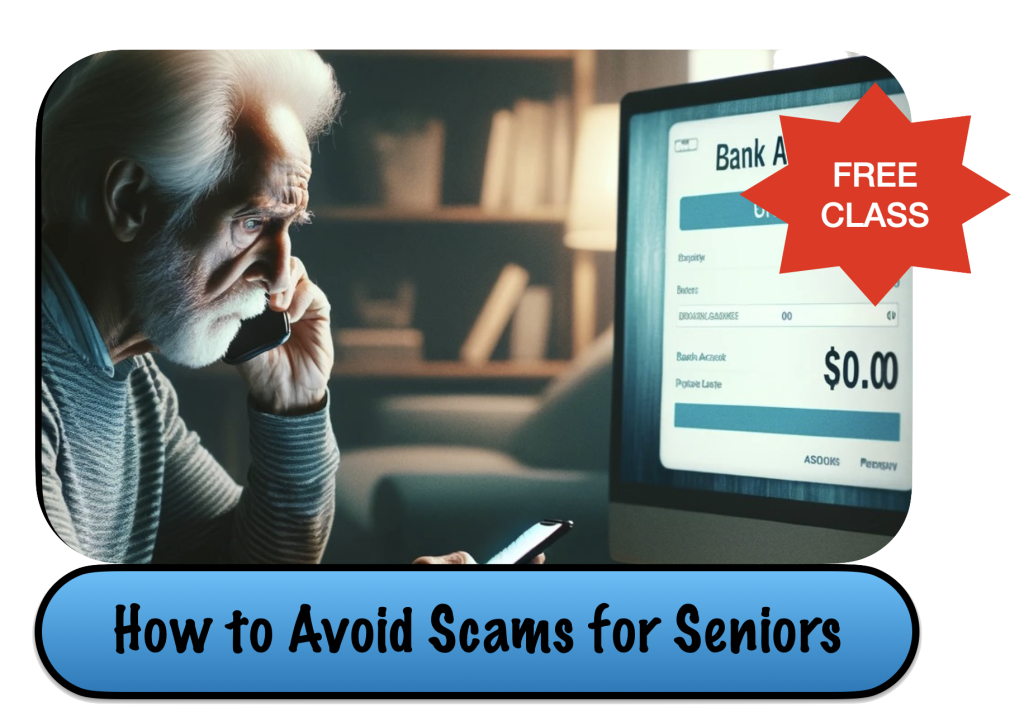
How to avoid scams for seniors
Class for those who hate computers. We take the tech out of the conversation so everyone understands. How to spot a scam before they take it all!
[eme_events limit=5 category=6]

Classes for Seniors
We know you were “Not born with it” and we have changed our classes so you can understand. These classes are specifically designed for seniors who think they can’t learn computers.
[eme_events limit=5 category=2]
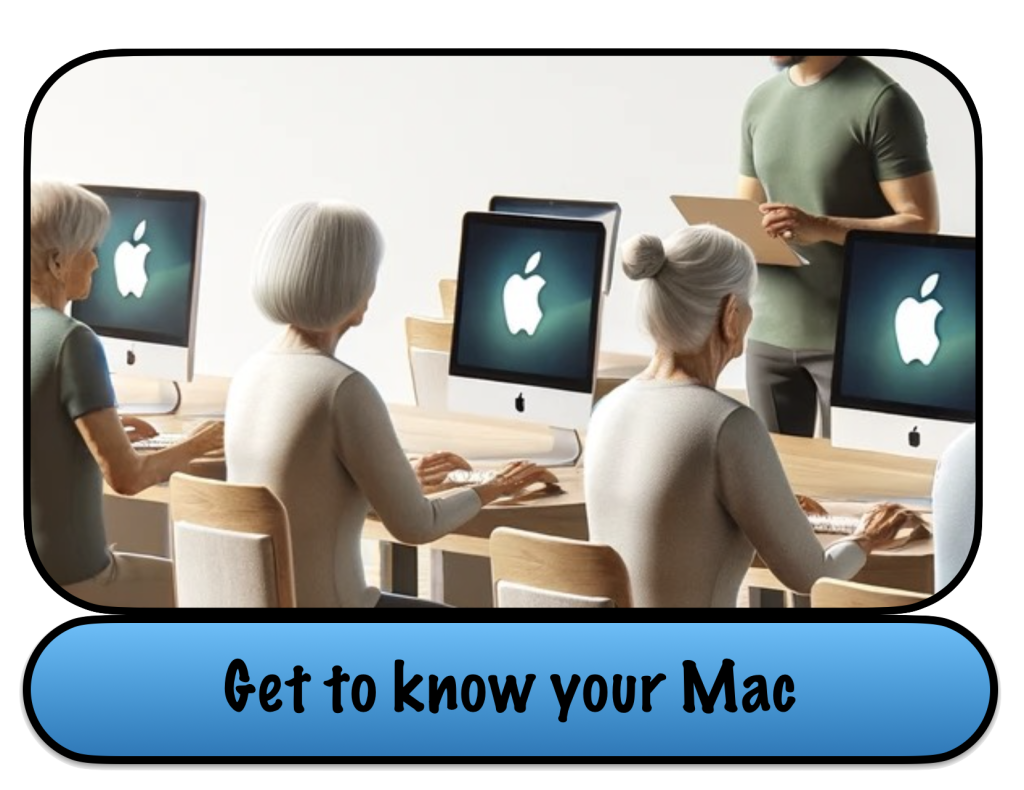
Get to know your Mac
Macs for those who are not tech-savvy. These classes cover the basics. With seniors in mind, these classes teach how to look at computers in a different way.
[eme_events limit=5 category=3]
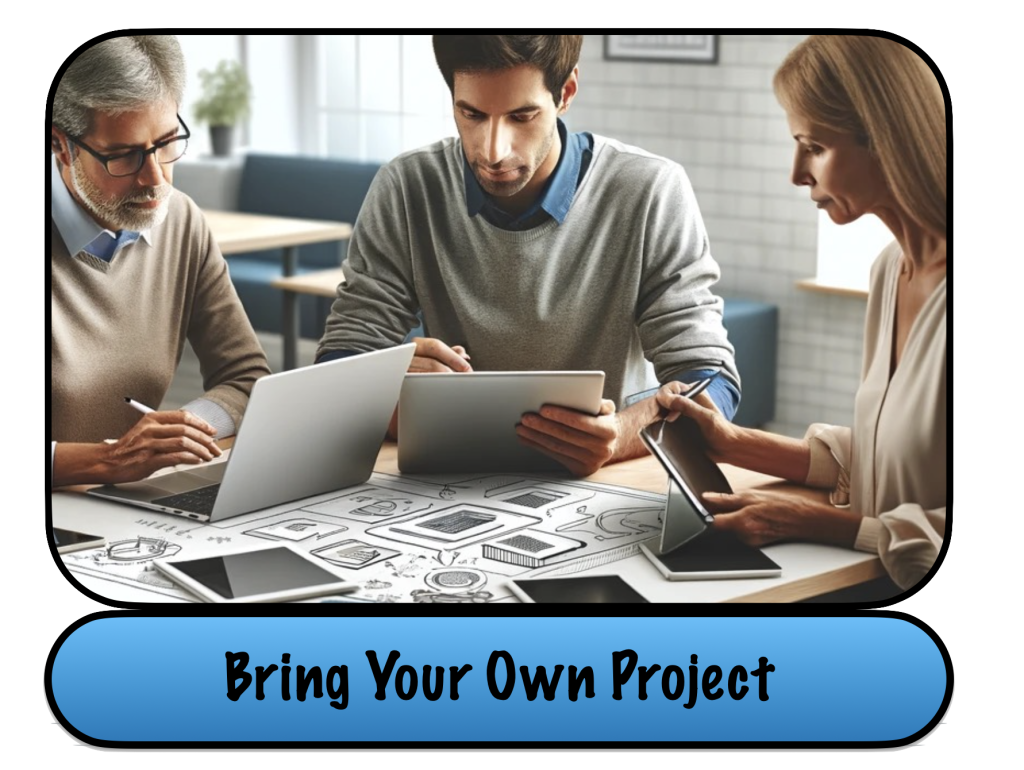
BYOP Bring your own Project
Building a website? Making a photo album? Part class part tech support. This is a workshop for those who need a little extra help or use our computers and software to get the job done.
[eme_events limit=5 category=8]
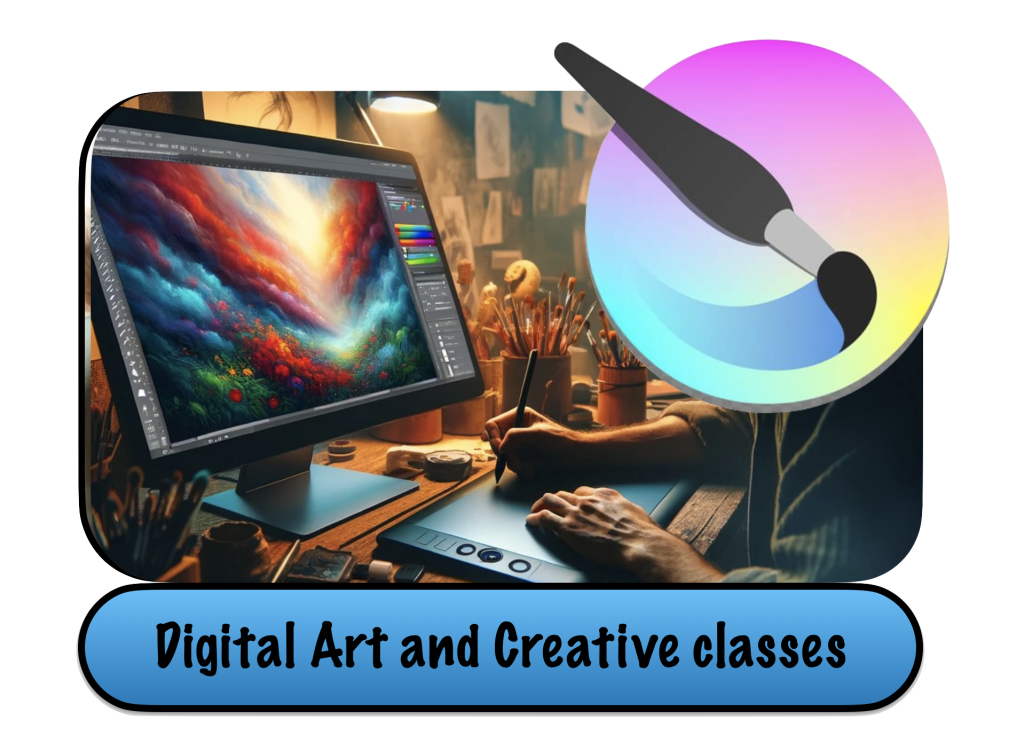
Creative Classes
Ever want to try digital painting? Don’t have a computer or a tablet. Learn from artists and creatives not just a computer geek.
[eme_events limit=5 category=4]
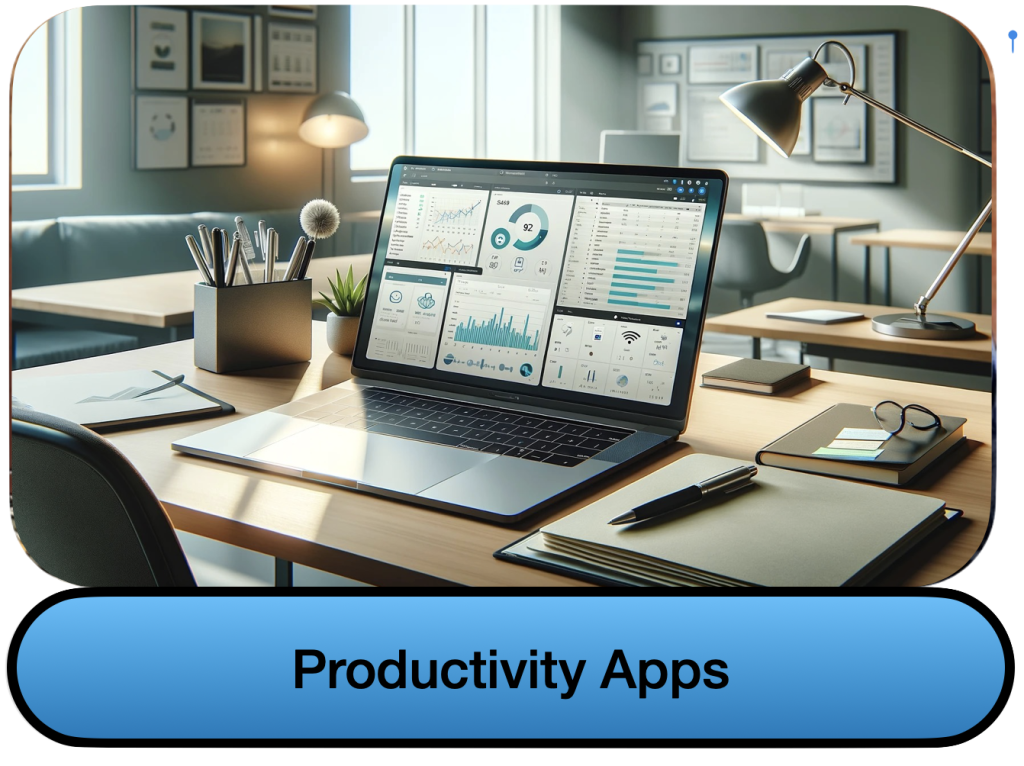
Productivity
How to get %@$%! Done! Learn apps needed for business, school, and making tough jobs easier.
[eme_events limit=5 category=9]
Windows and Microsoft
How to get %@$%! Done! Learn apps needed for business, school, and making tough jobs easier.
[eme_events limit=5 category=11]
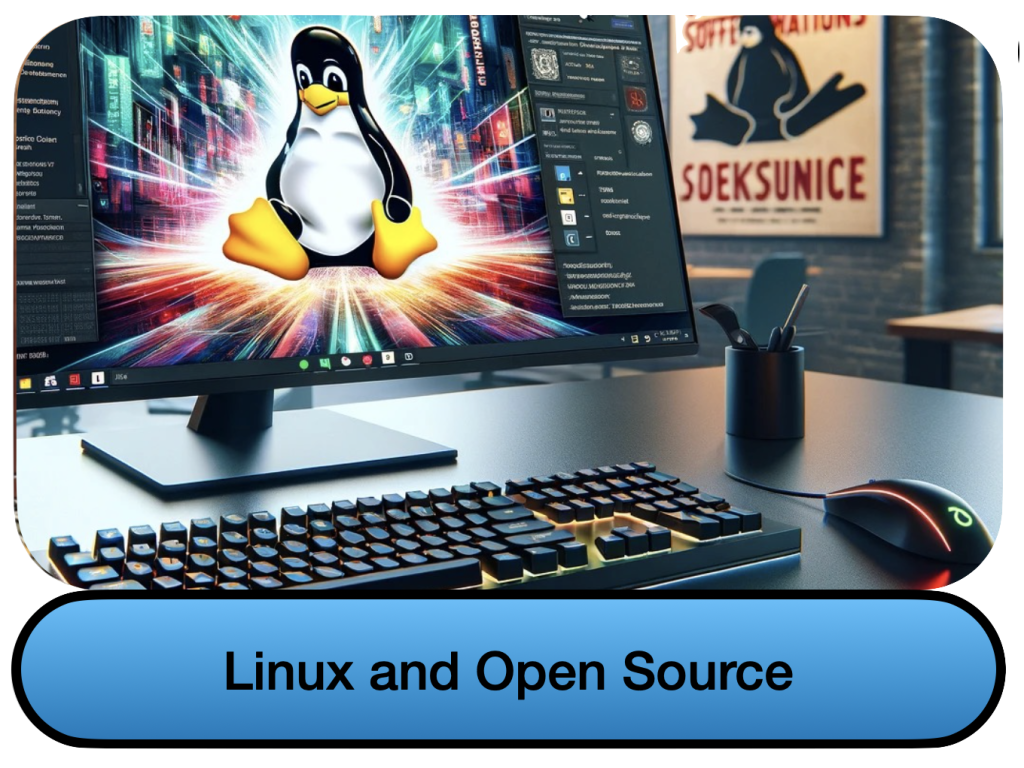
Open Source and Linux
Just because the software is free, does not mean it is not powerful. Learn the basics of some of the best software
[eme_events limit=5 category=5]
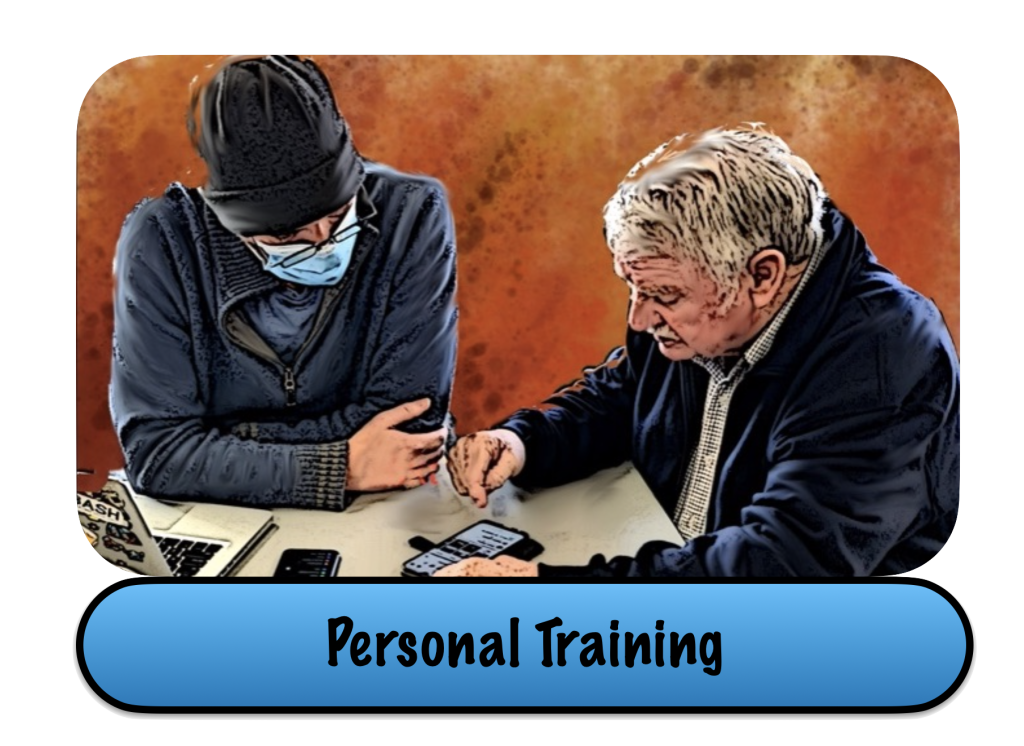
Personal Training
Sometimes you need a little extra help. As someone with ADHD and Dyslexia, I understand that group classes may not be how you learn. Whether you are a non-tech savvy senior who was “Not born with tech” or a professional who only needs to get their head around an application. We can help
Personal Computer literacy training for adults and seniors
Our personal classes can be done in your home or office. While we specialize in improving computer literacy for older adults, we are happy to train all ages at an introduction to proficient levels of most Apple* and Ubuntu applications. We have current Working with Children and Police Checks we can provide upon request. We stay on top of our vaccines, including flu, so we are nursing home compliant.
We will take the time to teach the topic that you are interested in learning and point you in the direction of finding your own answers in the future. Unlike a lot of tech heads, we do not think we are better than you. We just want to share our knowledge and hopefully even learn from you.
Group Classes and workshops
We can tailor our group classes to fit your needs. We are also good at reading the room and adjusting the language we use to best suit the student’s understanding of computers and technology.
Check out our online OSX tutorials
To get an idea of what our classes would be like take a look at our Adult & Senior Training blog where we talk not only about how to operate Mac OSX but how to learn computers when you are over the age of 35. We understand the difficulty and fear that comes with seniors learning how to use various forms of tech for the first time.
- Things to Do Before Upgrading Your Mac to macOS 27 (Golden Gate)Quick answer: before upgrading to macOS 27 (Golden Gate), check that your Mac is Apple Silicon (Intel Macs can’t run it), back up with Time Machine,… Read more: Things to Do Before Upgrading Your Mac to macOS 27 (Golden Gate)
- Honest technology help for the Upper Blue Mountains, Lithgow & BathurstLithgeek’s jargon-free tech training for seniors in Lithgow, Bathurst and the Blue Mountains is now bookable online: $25 group classes or $80/hr one-on-one sessions with Kevin Mason.
- Skip the Genius Bar: Real Apple Mac Help Is Right Here in LithgowLet’s be honest—trying to get a Genius Bar appointment in Penrith is like trying to book a table at a fancy restaurant during school holidays. Even… Read more: Skip the Genius Bar: Real Apple Mac Help Is Right Here in Lithgow
- How to Avoid Scams for Seniors class!
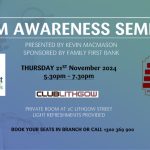 THURSDAY 21ST November 20245 • 3 0 p m – 7 • 3 0 pmCLUB LITHGOW PRIVATE ROOM AT 2C LITHGOW STREETLIGHT REFRESHMENTS PROVIDEDBOOK YOUR SEATS IN BRANCH… Read more: How to Avoid Scams for Seniors class!
 - Scam Resistant Computer for SeniorsWhen it comes to computers for seniors, safety, simplicity, and affordability are key factors. At MacMason Training and Repairs, we have a special solution that combines… Read more: Scam Resistant Computer for Seniors
More than a Senior Tech class, it’s a relationship!
You really can’t teach seniors and adults at this level of success without developing a relationship with the student. How else are you going to understand how they learn? What are their tech goals? What are their fears about using technology?
We take pride in running into our students on the street and asking, “Hey how did the photos for your grandson’s birthday come out?.. Did you need any more help with the Apple Photos software?”
We are here for the duration. Our ultimate goal is to someday have the grandkid of today’s Senior student return with their own kids. Senior Tech classes is the best way to be more comfortable in today’s Digital world.
Frequently Asked Questions
Yes. Our senior tech classes are custom-designed for the tech level of the student, so they work well for people who feel they “weren’t born with tech.”
Yes. Personal computer literacy training can be done in your home or office, and our group classes and workshops can be tailored to fit your needs.
Classes cover getting to know your Mac, internet safety and scam awareness, digital painting and creative software, productivity apps, Windows and Microsoft, open source and Linux basics, and Bring Your Own Project (BYOP) workshops.
Yes, our “How to Avoid Scams for Seniors” class takes the tech jargon out of the conversation so everyone can learn to spot a scam before it happens.
Yes. We have current Working with Children and Police Checks available on request, and we stay up to date on vaccinations, including flu, so we’re nursing-home compliant.
No. While we specialise in Apple devices, our classes also cover Windows and Microsoft apps and open source and Linux basics, so we can train most adults and seniors at an introduction to proficient level.